
Vizard AI Review: Best AI Video Editor for Repurposing Content?
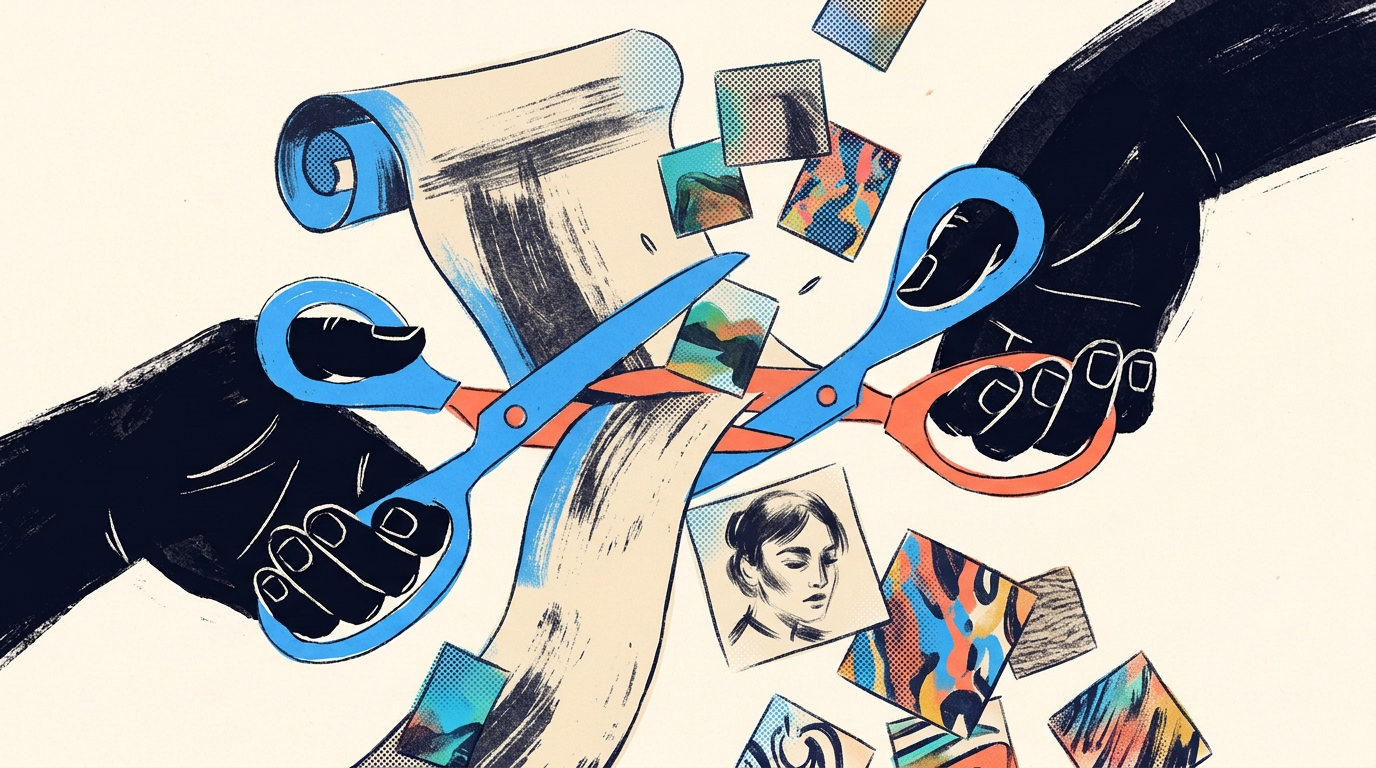
Vizard AI is an AI-powered video editing tool that automatically turns long-form videos into short, shareable clips optimized for social media. Upload a podcast, webinar, interview, or any long video, and Vizard uses AI to identify the best moments, add captions, resize for different platforms, and produce ready-to-post short-form clips. It’s designed for marketers, podcasters, and content teams who want to repurpose long content without manual editing.
What Does Vizard AI Do?
Vizard AI solves a specific problem: turning one long video into many short clips. The typical workflow:
- Upload a long video (podcast, webinar, interview, presentation)
- Vizard’s AI analyzes it — identifies key moments, topic segments, and engaging highlights
- Generates short clips — produces multiple short-form clips (15–90 seconds) with auto-captions
- Resizes for platforms — reformats clips for TikTok (9:16), Instagram Reels (9:16), YouTube Shorts (9:16), LinkedIn (1:1 or 16:9), and X/Twitter
- You review, edit, and publish — make adjustments and export
This process — which would typically take a video editor hours — takes Vizard minutes.
Key Features
AI-Powered Clip Detection
Vizard’s core feature is its ability to identify “clip-worthy” moments in a long video. It analyzes:
- Topic changes — natural segment breaks in the conversation
- Engagement signals — moments with strong statements, questions, or emphasis
- Standalone potential — segments that make sense without the surrounding context
The AI generates a list of suggested clips, each with a start time, end time, and relevance score. You can accept, modify, or reject each suggestion.
Automatic Captions
Every clip gets auto-generated captions, which is essential for social media where 85% of video is watched without sound. The captions are:
- Generated with high accuracy (leveraging speech-to-text AI)
- Customizable in font, size, color, position, and animation style
- Available in multiple languages
- Editable if the AI makes transcription errors
Multi-Platform Resizing
A single clip can be instantly reformatted for different platforms:
- 9:16 — TikTok, Instagram Reels, YouTube Shorts
- 1:1 — Instagram feed, Facebook feed
- 16:9 — YouTube, LinkedIn, website embeds
Vizard’s smart cropping keeps the speaker centered in the frame when converting from landscape (16:9) to vertical (9:16).
Speaker Detection
For multi-speaker content (podcasts, interviews, panel discussions), Vizard identifies individual speakers and can:
- Label speakers in captions
- Focus the frame on the active speaker when cropping to vertical
- Generate clips organized by speaker
Customizable Templates
Apply consistent branding across clips:
- Brand colors and fonts for captions
- Logo watermarks
- Intro/outro cards
- Progress bars and social media handles
Pricing
| Plan | Price | Video Upload | Features |
|---|---|---|---|
| Free | $0 | Up to 30 min/video | Basic features, watermarked |
| Starter | $16/mo | Up to 2 hours/video | No watermark, 50 AI clips/mo |
| Growth | $32/mo | Up to 4 hours/video | 200 AI clips/mo, team features |
| Business | $64/mo | Unlimited duration | Unlimited clips, priority processing, API |
Annual billing offers approximately 20% discount. The free tier is generous enough to test the tool with a few videos before committing.
Strengths
Massive time savings. The manual process of watching a 60-minute video, identifying clip-worthy moments, cutting them, adding captions, and resizing for multiple platforms easily takes 4–8 hours. Vizard does it in minutes.
Caption quality is excellent. The auto-generated captions are accurate and the styling options are extensive. This alone replaces the need for a separate captioning tool.
Smart speaker detection. For podcast and interview content, the automatic speaker tracking and framing works well. It handles two-person conversations reliably.
Good UI/UX. The interface is clean and intuitive. The clip review and editing workflow is well-designed — you can quickly scan suggested clips, preview them, make edits, and export.
Bulk processing. Upload multiple long videos and let Vizard process them in the background. This is valuable for content teams managing a high volume of video content.
Limitations
AI clip selection isn’t perfect. The suggested clips usually capture obvious highlights, but they sometimes miss nuanced moments or include segments that don’t work well as standalone clips. Human review is still necessary.
Limited creative editing. Vizard is a repurposing tool, not a full video editor. If you need to add transitions, B-roll, music, or complex edits, you’ll need to export from Vizard and finish in a dedicated editor (Premiere Pro, DaVinci Resolve, CapCut, etc.).
Best for talking-head content. The AI excels at podcast/interview style content with clear speech. It’s less effective for content without continuous narration (montages, tutorials with screen recordings, event footage).
Vertical crop quality varies. When converting a wide landscape shot to vertical, the smart crop does its best to follow the speaker, but it can feel cramped or awkwardly framed, especially with multiple people or significant on-screen movement.
Who Is Vizard AI Best For?
- Podcasters who want to clip episodes into social media shorts
- Content marketers repurposing webinars, interviews, and presentations
- Social media managers who need a high volume of short-form clips
- Agencies managing content repurposing for multiple clients
- Thought leaders who produce long-form video and want to distribute highlights
Who Should Look Elsewhere?
- Users who need full video editing (transitions, B-roll, effects, music)
- Creators producing highly visual content without much speech
- Users on a tight budget who can do manual clipping in free tools like CapCut
Vizard AI vs. Alternatives
| Feature | Vizard AI | Opus Clip | Descript | Kapwing |
|---|---|---|---|---|
| Primary use | Long → short clips | Long → short clips | Full video editing + clips | General video editing |
| AI clip detection | ✅ Strong | ✅ Strong | ⚠️ Basic | ❌ Manual |
| Auto captions | ✅ Excellent | ✅ Good | ✅ Excellent | ✅ Good |
| Multi-platform resize | ✅ Yes | ✅ Yes | ⚠️ Limited | ✅ Yes |
| Speaker detection | ✅ Yes | ✅ Yes | ✅ Yes | ❌ No |
| Full editing capability | ❌ Limited | ❌ Limited | ✅ Yes | ✅ Yes |
| Starting price | $16/mo | $15/mo | $24/mo | $16/mo |
| Best for | High-volume repurposing | Viral clip detection | Podcast editing + clips | General creation |
The Bottom Line
Vizard AI does one thing and does it well: turning long videos into short, captioned, platform-ready clips. If you’re a podcaster, marketer, or content team sitting on hours of long-form video that you’re not repurposing for social media, Vizard makes that process dramatically faster. It won’t replace a full video editor, and you’ll still need human judgment to select the best clips, but it removes the most tedious parts of the repurposing workflow. For content teams producing regular long-form video, the time savings alone justify the subscription.